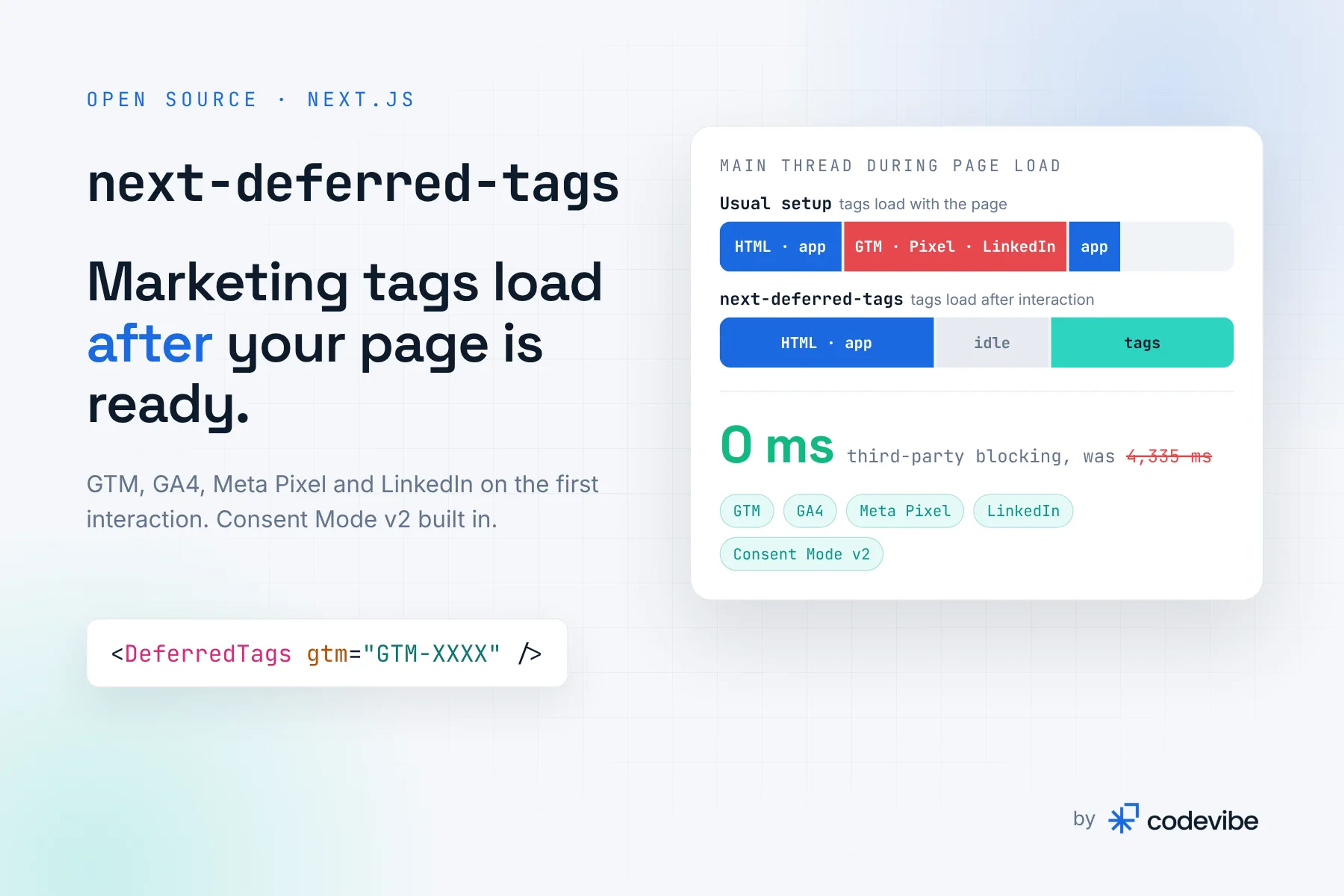
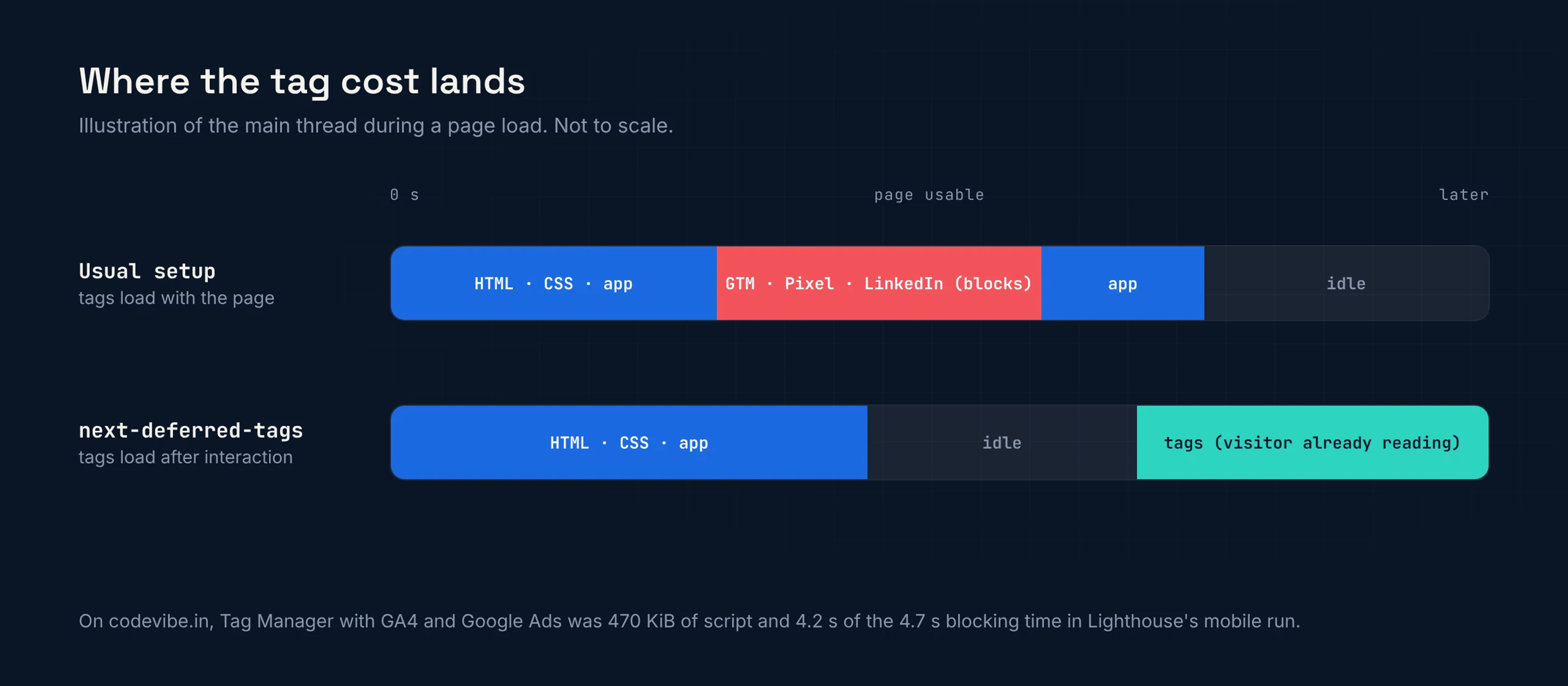
Yes, in most cases, and it is usually the biggest single cost on a marketing site. On our own Next.js homepage, Google Tag Manager with GA4 and Google Ads inside it loaded 470 KiB of script and caused 4.2 of the 4.7 seconds of Total Blocking Time in Lighthouse's mobile run. We kept every tag and moved all of them behind the visitor's first interaction. Third-party blocking time went from 4,335 ms to 0 ms.
This post shows where the cost comes from, which Next.js loading options help and which do not, and how to defer tags without losing page views, events or consent.
Why does Google Tag Manager slow down a Next.js site?
Because Tag Manager is a loader: everything you add to the container downloads and runs with it. The container script is only the start. GA4, Google Ads, remarketing and any custom HTML tags follow, and they all compete with your own code for the main thread while the page is still loading.
This is not an edge case. Nine in ten web pages load at least one third party, and nearly a third of those third parties are for advertising, analytics and consent (Web Almanac 2024). Google Tag and Google Analytics each appear on more than half of all pages (Web Almanac 2024, Privacy).
On a Next.js site the cost lands at a bad moment. The browser is already busy parsing and hydrating your React code, so tag work in the same window shows up directly as:
- Total Blocking Time in Lighthouse and PageSpeed Insights
- Interaction to Next Paint (INP) for real visitors, because taps wait for long tasks to finish
- Slower LCP on phones, where the tags compete with your hero image for bandwidth
What did Tag Manager cost on codevibe.in?
4.2 seconds of blocking time out of 4.7, from 470 KiB of tag script. We audited our own site in November 2026 the way we audit client sites, and the homepage failed on mobile with a PageSpeed score of 54. Two things dominated: a 4K hero film and the marketing tags.
| Measure (mobile, homepage) | Before | After |
|---|---|---|
| Total Blocking Time | 4,740 ms | 30 ms |
| Blocking time from third parties | 4,335 ms | 0 ms |
| PageSpeed performance score | 54 | 99 |
The last row includes our other fixes too (the film, images and the LCP logo), so not all of that jump comes from the tags. The blocking time is a different story: third parties caused 4,335 ms of it, and almost all of that was Tag Manager and the tags inside it. The full audit is in our website speed case study.
We did not remove a single tag. GA4, Google Ads and LinkedIn Insight all still run, just later.
Which ways of loading tags in Next.js actually help?
Only the ones that move the tag work out of the load window. Next.js gives you several options, and they differ more than the names suggest:
| Approach | When the tags run | Helps blocking time? |
|---|---|---|
GTM snippet in <head> | During page load | No |
@next/third-parties GoogleTagManager | Right after hydration | A little |
next/script with lazyOnload | When the browser is idle after load | Partly: long tasks right after load can still count |
next/script with strategy="worker" | In a web worker through Partytown | Yes, but experimental and Pages Router only |
| Load on first interaction | First scroll, tap or key press, or a few seconds after load | Yes |
The official @next/third-parties package fetches Tag Manager after hydration occurs (Next.js docs). That is tidier than a raw snippet, but the work still lands while the page is settling. The worker strategy runs scripts off the main thread, but the Next.js docs say it is not stable and does not work with the App Router yet (Next.js docs).
Loading on the first interaction is the approach we used. Lighthouse never scrolls, so it measures the page without the tags. A real visitor gets a page that responds immediately, and the tags start while they read.
How do you load tags on the first interaction without losing data?
Create the queues straight away and add the scripts later. Every Google, Meta and LinkedIn snippet works the same way underneath: it defines a queue (dataLayer, gtag, fbq, lintrk) and then loads a script that reads it. If the queue exists from the first render, anything pushed before the script arrives waits and is processed in order.
So the pattern is:
- On mount, create the vendor queues and push the first page view, but add no scripts.
- Push a page view on every client-side route change.
- Listen once for the first
pointerdown,keydown,touchstartorscroll, and start a fallback timer afterwindow.onload. - Whichever comes first, add the vendor scripts with
async. They read their queues as they start.
We turned the component from our site into an open-source package, next-deferred-tags, so you do not have to write it yourself:
// app/layout.tsx
import { DeferredTags } from 'next-deferred-tags';

export default function RootLayout({ children }: { children: React.ReactNode }) {
  return (
    <html lang="en">
      <body>
        {children}
        <DeferredTags gtm="GTM-XXXXXXX" />
      </body>
    </html>
  );
}
It handles GTM, GA4, the Meta Pixel and LinkedIn Insight together, loads them on the first interaction or 5 seconds after load, and keeps static pages static. In Tag Manager, use a Custom Event trigger on pageview so client-side navigations are counted.
What about cookie consent and Consent Mode v2?
Deferring tags does not replace consent; you need both. Speed decides when a tag loads. Consent decides whether it may set cookies or personalise ads at all.
Google has required Consent Mode v2 signals (ad_user_data and ad_personalization, alongside analytics_storage and ad_storage) for personalised advertising to users in the EEA since March 2024 (Search Engine Journal). India's DPDP Rules, notified in November 2025, also expect consent before optional processing, with full compliance due in May 2027.
The order matters. Consent defaults must reach the dataLayer before Tag Manager reads it, or the first hits go out without them. With consent handling on, next-deferred-tags writes all four signals as denied first, updates them the moment the visitor chooses, and holds the Meta Pixel and LinkedIn back until marketing consent. It also includes an optional cookie banner with equal "Reject all" and "Accept all" buttons. That is the setup now running on codevibe.in.
What is the trade-off?
A visitor who leaves within the delay without touching the page is not counted. Someone who opens a page and closes it after three seconds without scrolling never triggers the tags. For most marketing sites that is a small slice of bounces we were happy to give up for a page that responds straight away.
If every hit matters to you:
- Lower the delay from 5 seconds, or load the tags immediately on key landing pages.
- Send key conversions server-side too, through the GA4 Measurement Protocol or the Meta Conversions API, so a form submission is recorded even if the browser tag never ran.
- Expect Tag Manager preview mode to show tags after your first scroll or click, not instantly.
The component is free and MIT licensed: codevibe.in/tools/next-deferred-tags has the details and the code is on GitHub. If you would rather we find what is slowing your site down, our web development team fixes speed without removing the tracking your marketing depends on, or start with a free website audit.